
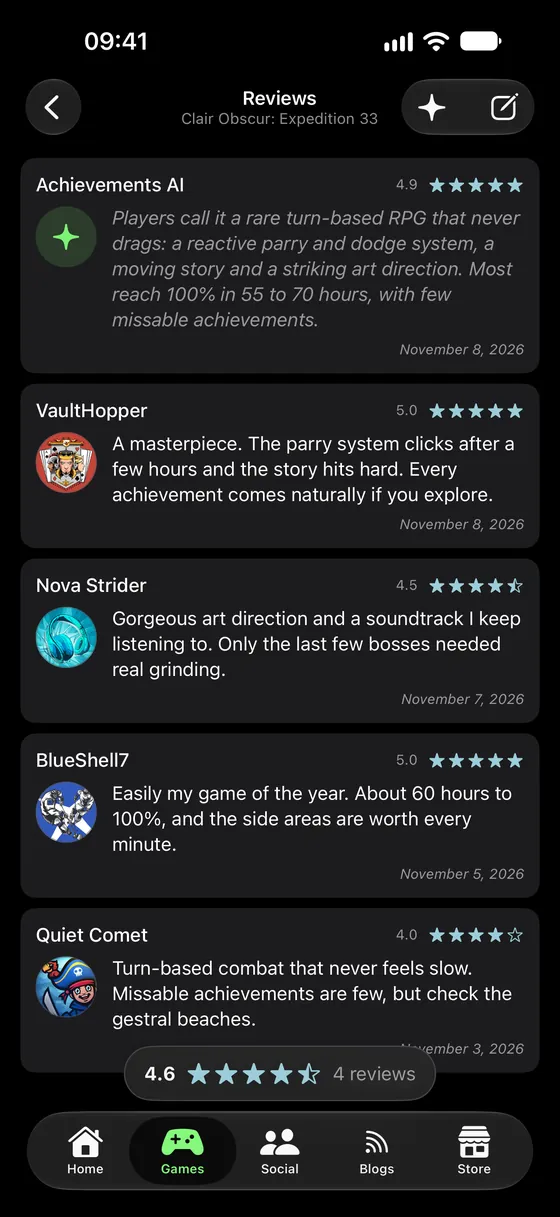
Reviews from players
Ratings written by people who actually played it, with an AI summary of what they all said — and yours, when you have something to say. Reviews are part of PRO; a game's star rating is free for everyone.
Xbox achievement tracker / iPhone
Achievements pulls your whole Xbox profile onto your phone — gamerscore, games, friends, messages and captures — then shows you exactly what is left to hunt and who is online to hunt it with.
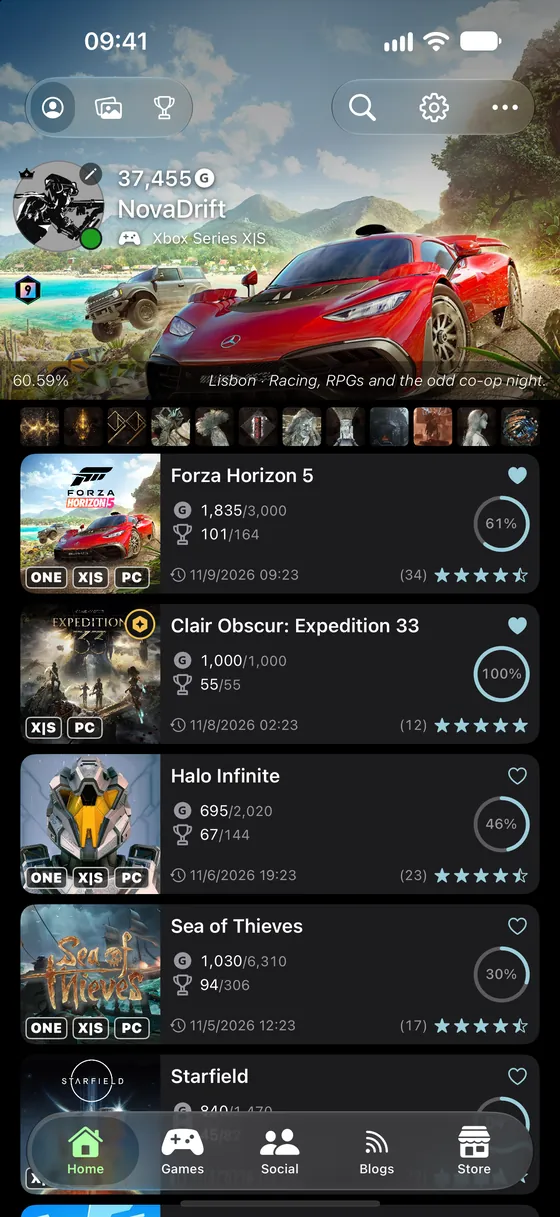
One real profile The developer's own, exactly as the app counts it — August 2026.
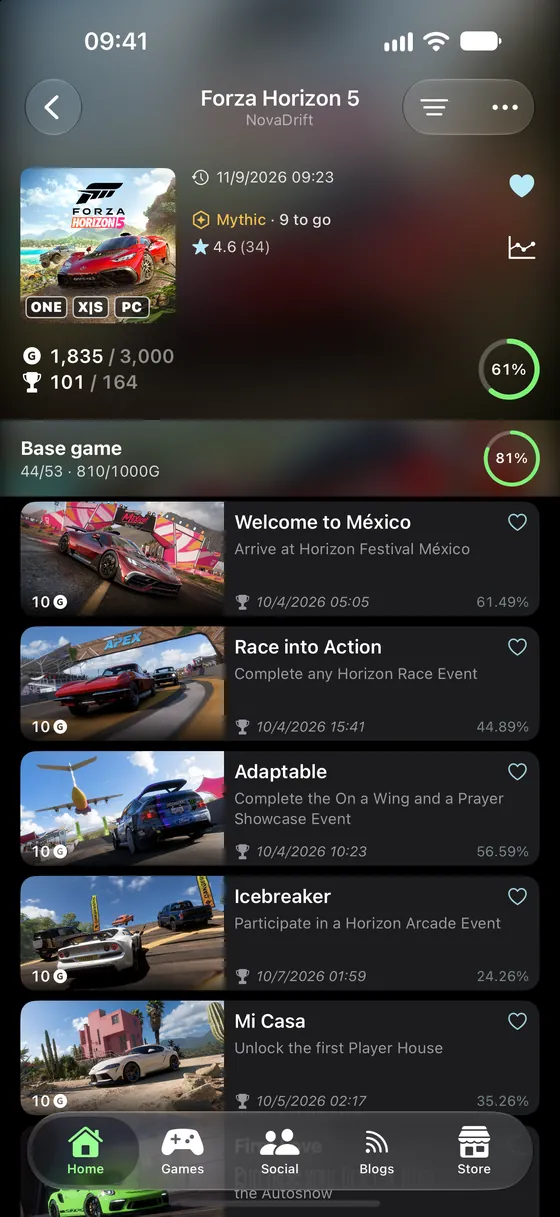
Games / Game
Open any game to see which achievements you still need, how rare each one is, and how much gamerscore is still on the table. Filter down to what you have not unlocked, sort your library, and find the games worth going back to.
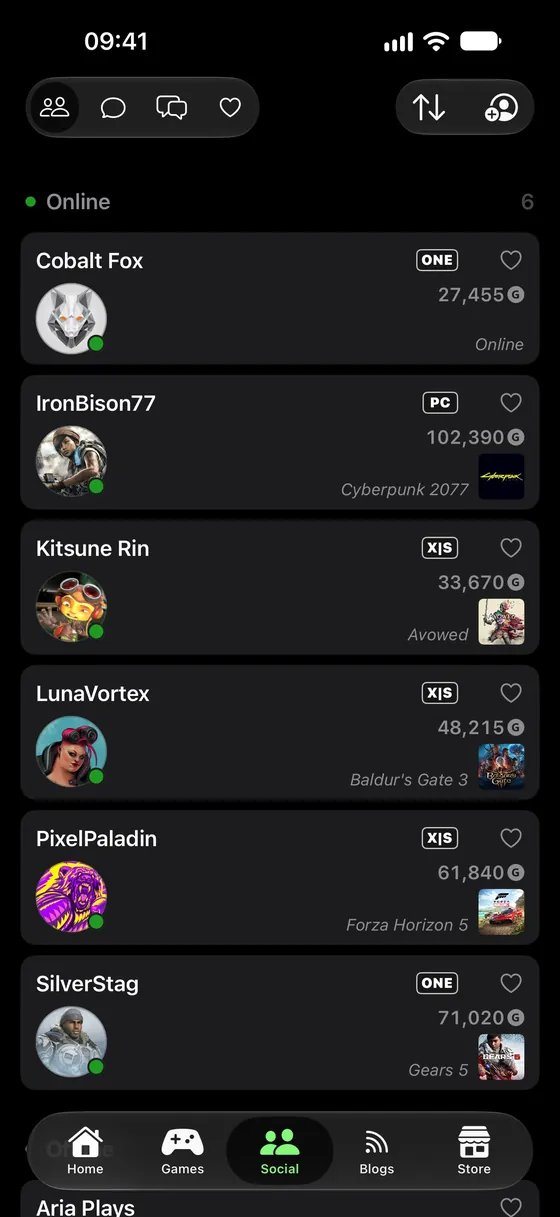
Social / Friends
Your whole friends list with live presence — who is online, and what they are in — and a notification the moment a friend comes online. With PRO, keep the people you actually play with pinned to the top as favorites.
Social / Communities
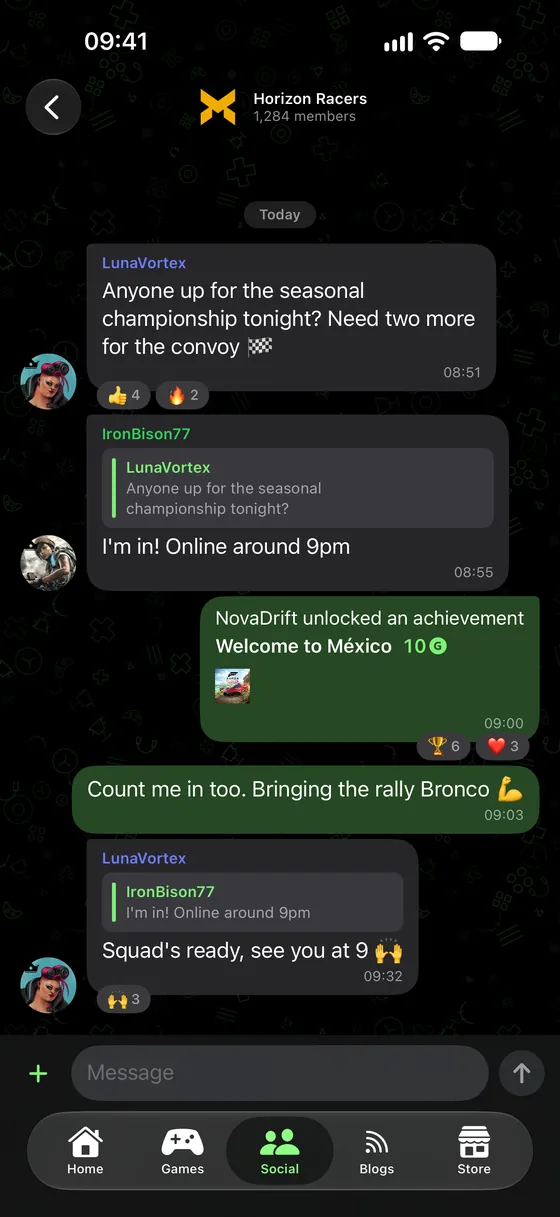
Join a community, say what you are playing, and find the people to play it with. Links unfurl into cards, images, GIFs and stickers post inline, and owners can pin what matters to the top.
Home / Captures
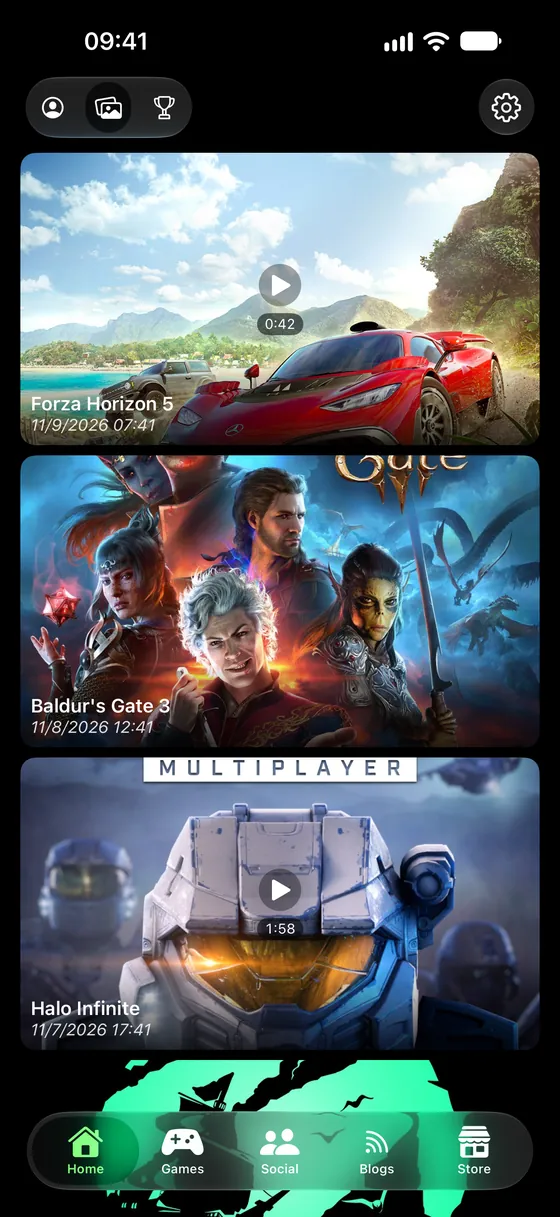
Every screenshot and game clip you have saved, on your phone. Watch a clip back, save it to your gallery, or send it straight into a conversation — without turning the console on.
More in the app
Ratings written by people who actually played it, with an AI summary of what they all said — and yours, when you have something to say. Reviews are part of PRO; a game's star rating is free for everyone.
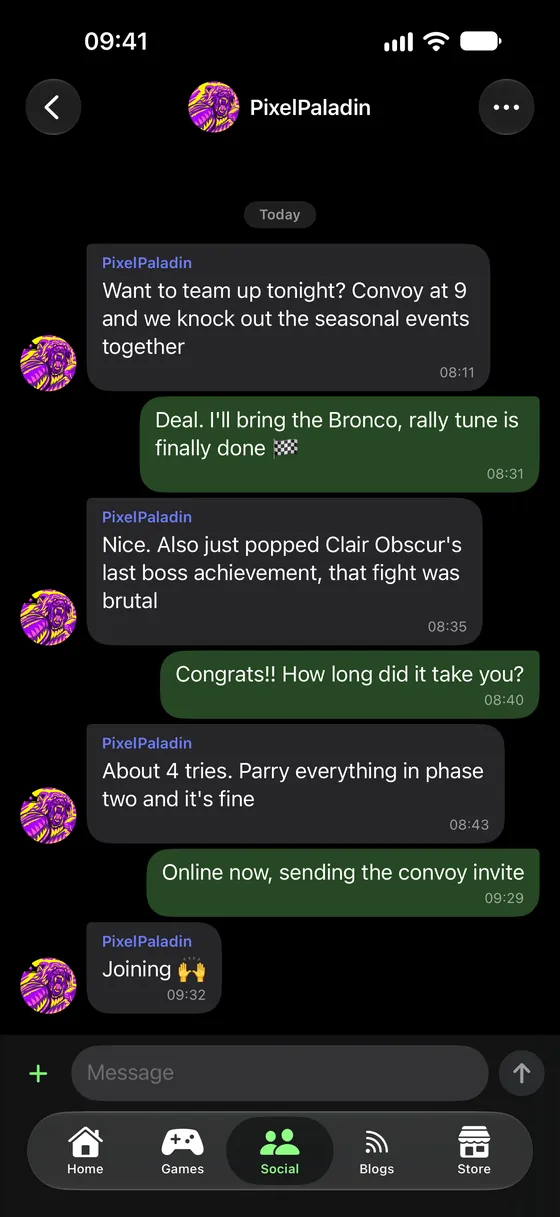
Read and reply to your Xbox conversations from your phone, and start a new one with anyone on your friends list.
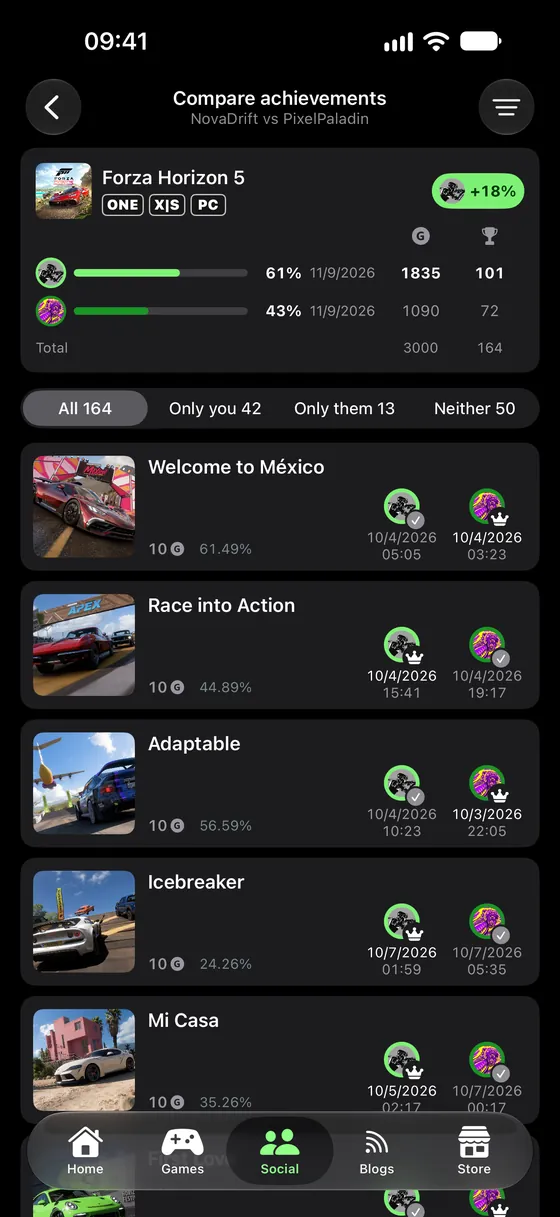
Put your games next to another player's and see who is ahead, game by game and achievement by achievement.
Policies
What the app collects, why it needs it, who it goes to, and how long it is kept.
RulesWhat is allowed in communities, messages, reviews and images — and how reporting works.
Your dataRemove everything we hold, and what each route covers.
Trouble signing in, or something not working — read the FAQ
What changed in the version you have — release notes
Anything else — xbox@indiesoftware.com.ar